
The latest extension update moves beyond simple chat interactions, enabling the AI to read, compare, and manipulate browser data in real time. OpenAI demonstrated this functionality by having the model analyze multiple product pages simultaneously to draft a comparison sheet, complete with pricing and source links. Users can now prompt the assistant to extract information from an event brief to populate registration forms or draft emails based on contractor services found across open tabs.
OpenAI integrates ChatGPT directly into Chrome tabs
By tagging Chrome within the desktop or web app, users can now grant ChatGPT direct access to their active browser tabs. This update allows the AI to parse content across multiple windows, effectively turning the browser into a workspace for complex data entry, comparison tasks, and automated form management.
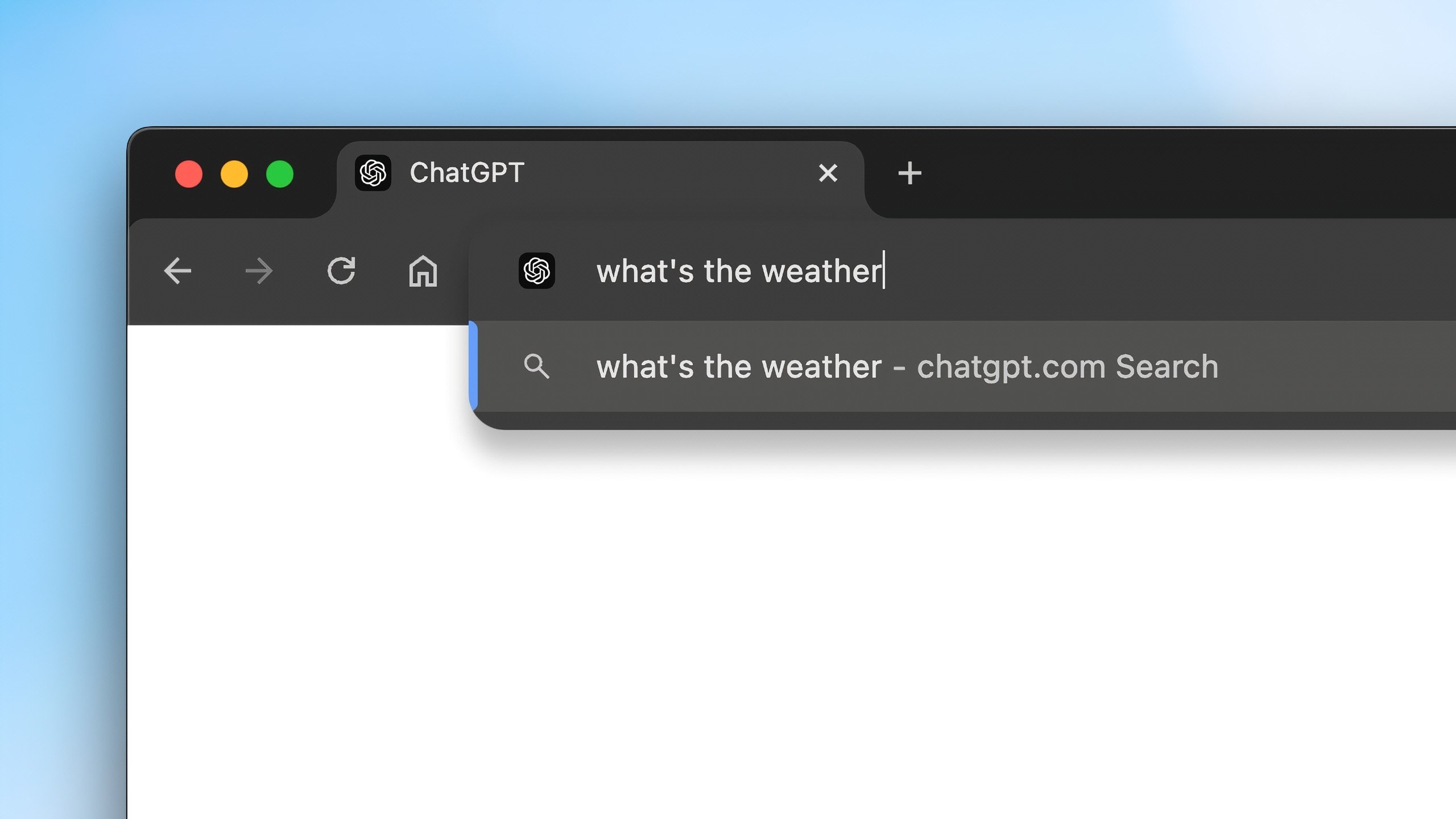
Beyond data extraction, the sidebar integration provides access to full conversation histories without requiring users to switch windows. The system also supports more aggressive automation, including sending messages, downloading files, and organizing tab groups. This capability mirrors features found in Google’s Gemini-powered auto-browse tools, signaling a shift toward AI agents that function as active participants in browser-based workflows rather than passive query responders.




Comments (0)
No comments yet. Be the first!